
Full Stack Developer Program

- Description
- FAQ
- Notice
- Reviews
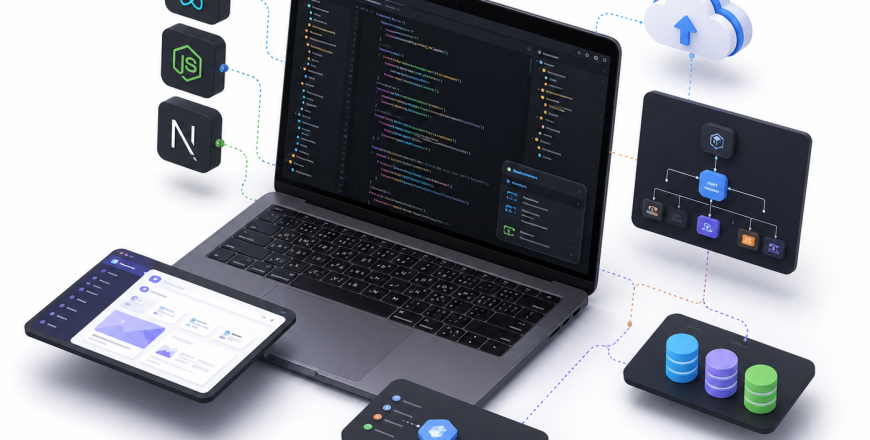
Build a full-stack web application using the MERN stack: MongoDB, Express.js, React, and Node.js. This program guides you through planning an app, developing its frontend, creating a REST API, connecting the backend to a MongoDB database, and integrating the frontend with the backend.
You’ll also cover file uploads, user authentication, and application deployment. Refresher sections on React, Node.js, Express, MongoDB, and Mongoose help you revisit the tools used throughout the project.
By the end, you’ll understand how the main parts of a MERN application work together and have experience building and deploying a complete application.
In the next lectures, we will need to install NodeJS (the tool we use for creating React projects uses it).
Also in the next lectures, you will learn how to create React projects.
If, when running the newly created React project, you get a "digital envelope routines unsupported" error, this should be caused by your Node version.
In such cases it will help to replace (in package.json) ...
"start": "react-scripts start"... with ...
"start": "react-scripts --openssl-legacy-provider start"... and ...
"build": "react-scripts build"... with ...
"build": "react-scripts --openssl-legacy-provider build"This program was recorded based on React 16 & 17. But it's also fully up-to-date with React 19 (the latest version)!
There is one small difference in code which you'll note in the next video though:
In index.js, instead of the code shown in the video:
import React from 'react'; import ReactDOM from 'react-dom'; import './index.css'; import App from './App'; ReactDOM.render(, document.getElementById('root'));you'll face this kind of code (when creating a new React project):
import React from 'react'; import ReactDOM from 'react-dom/client'; import './index.css'; import App from './App'; const root = ReactDOM.createRoot(document.getElementById('root')); root.render();As you can tell, it's almost the same code. It also still does the same thing: Tell React where to render the root component (). Everything I explain in the next videos still is valid and works in exactly the same way with React 19. It's just a small syntax change that was introduced.
That's it though - all the other code you'll write and everything you'll learn is up-to-date with React 19, no changes are needed! You still build (functional) components, you still work with React Hooks - nothing about that changed.
- Program title: Full-Stack Web Development with the MERN Stack
- Category: Web Development
- Level: Beginner to Intermediate
- Format: Project-based lessons
- Technologies: MongoDB, Express.js, React, Node.js, and Mongoose
- Main focus: Building and deploying a full-stack web application
- Key topics: Frontend development, REST APIs, database integration, file uploads, authentication, and deployment
- Recommended background: Basic JavaScript and web development knowledge
- A computer with internet access
- A code editor, such as Visual Studio Code
- Node.js and npm installed, or willingness to install them
- Basic familiarity with HTML, CSS, and JavaScript
- A MongoDB environment, such as MongoDB Atlas or a local installation
- Willingness to use the command line and follow along with project exercises
Some familiarity with React and Node.js is helpful, but refresher lessons are included.
This program is suitable for:
- Aspiring full-stack web developers
- Frontend developers who want to learn backend development
- Backend developers who want to learn React
- Students building practical web development skills
- JavaScript developers interested in the MERN stack
- Learners who want to build and deploy a complete web application
